
Tracking your affiliate sales accurately is important for understanding campaign performance and optimizing your marketing efforts. By integrating UTMify with your Explodely affiliate account, you can automatically track sales using UTMs.
This article walks you through the complete setup process so your Explodely affiliate sales are correctly tracked inside UTMify.
Step 1: Generate API Credentials in UTMify
i) Log in to your UTMify account.
ii) Navigate to Integrations → Webhooks.
iii) Generate your API credentials.
iv) Copy the API Key that is generated and keep it safely as you’ll need it in the next step.

Step 2: Connect UTMify to Your Explodely Affiliate Account
i) Log in to your Explodely Affiliate account.
ii) Go to Account → UTMify.
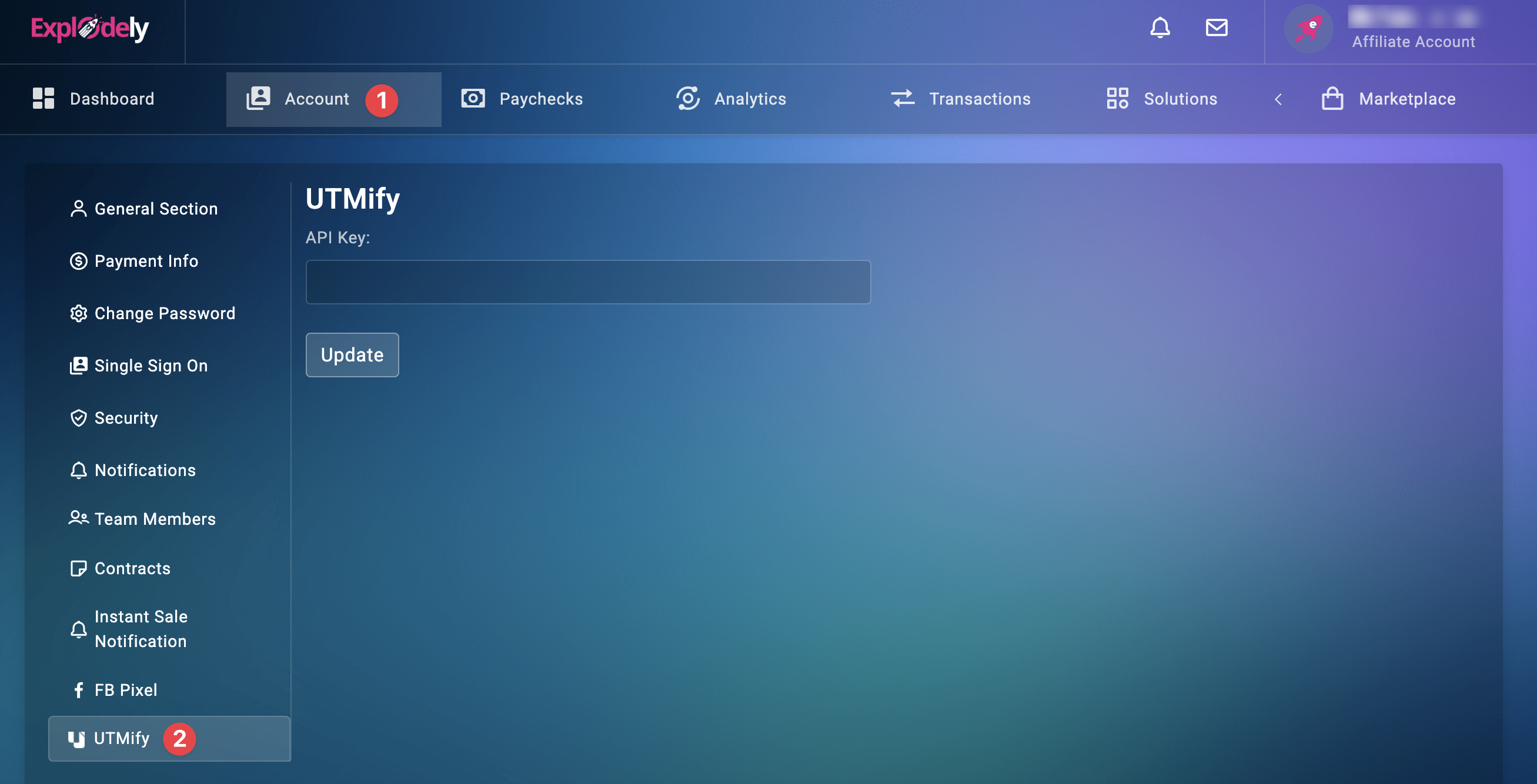
iii) Paste the API Key you copied from UTMify into the provided field.
iv) Click Update to save your changes.
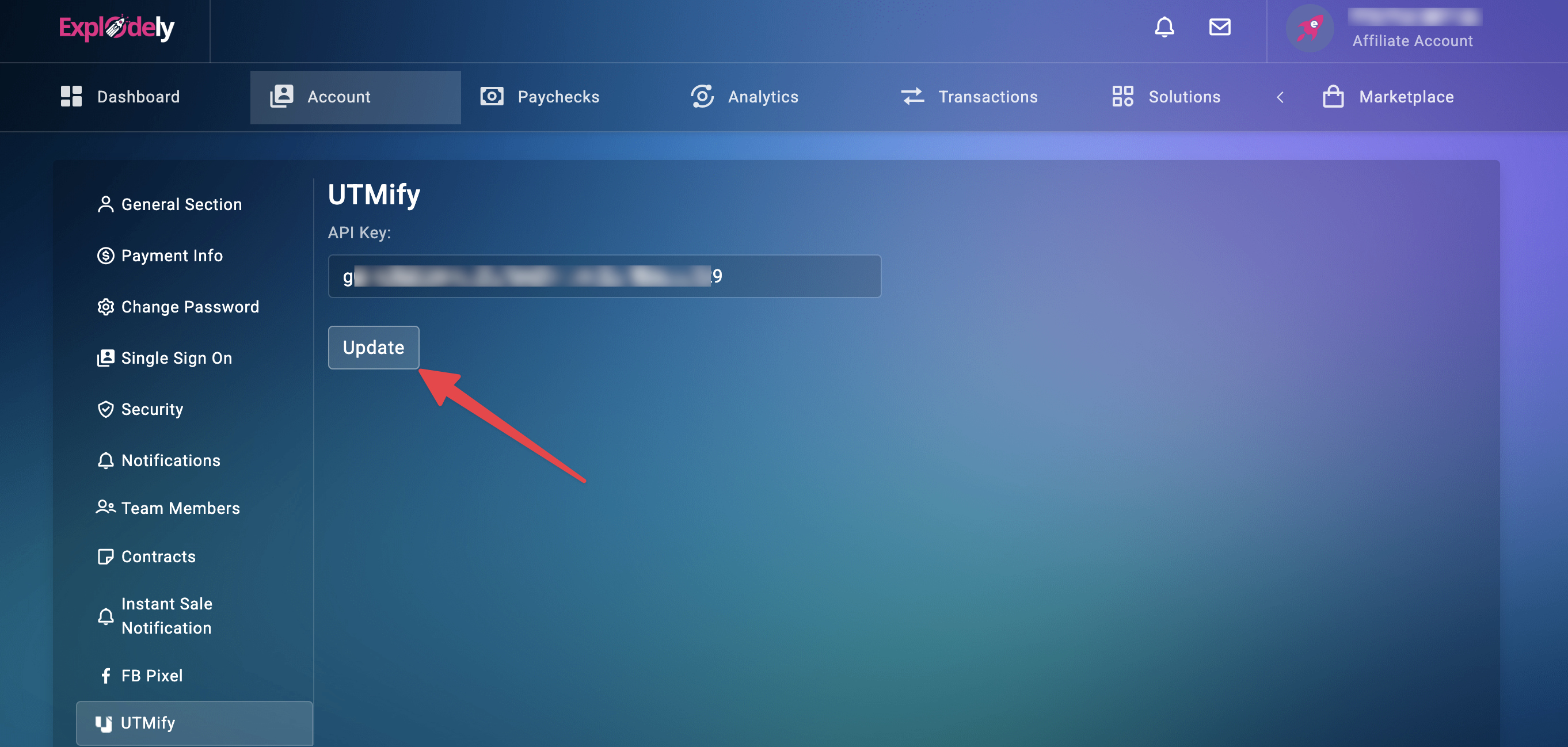
Once saved, your Explodely account is now connected to UTMify.
Step 3: Generate Your Affiliate Link with UTMs
After the integration is complete, generate your affiliate link as usual, making sure to include your affiliate ID and the required UTM parameters.
Example Affiliate Link Format:
https://vendor.a.explodely.com?aff=AFFID&pid=12345&utm_campaign=UTMCAMPVAL
You can add additional UTM parameters (such as utm_source, utm_medium, or utm_content) based on your tracking needs.
Even though the UTM parameters are not passed to the final offer or checkout page, Explodely captures and stores them internally when the visitor clicks your affiliate link.
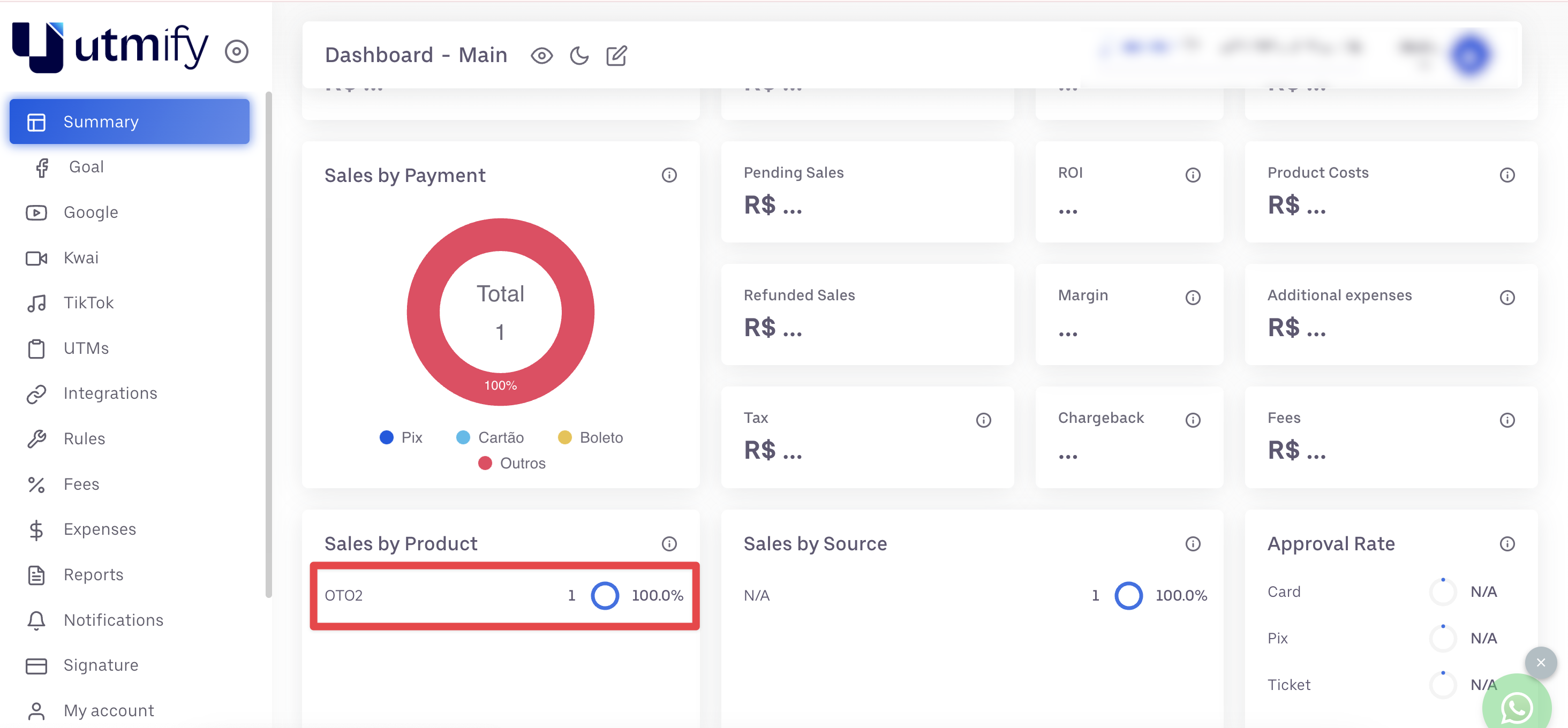
When a sale is made, it is attributed to your affiliate ID and the associated sales data is sent to UTMify.
You can view and analyze the sale inside your UTMify dashboard.
By connecting UTMify with your Explodely affiliate account, you gain reliable and accurate tracking for your affiliate campaigns. Once the API key is added and your affiliate links include UTMs, the system handles everything automatically.
Please contact us if you have any questions or concerns at support@explodely.com.