
The Custom Checkout URL allows you to redirect users to the checkout page using a simple button link. This is the easiest way to integrate checkout without adding any code to your page.
How It Works:
You add the checkout link to a button on your sales page.
When a user clicks the button, they are redirected to your customised checkout page.
⚠️ Important Requirement Before Using This FeatureYou must inform our team and share your funnel details (including front-end and OTO pages) for review and wait for approval from our team before proceeding.
Do not send any live traffic until your setup has been reviewed and approved.Setup Steps:
i) Copy the Checkout URL from the Custom Checkout Builder.
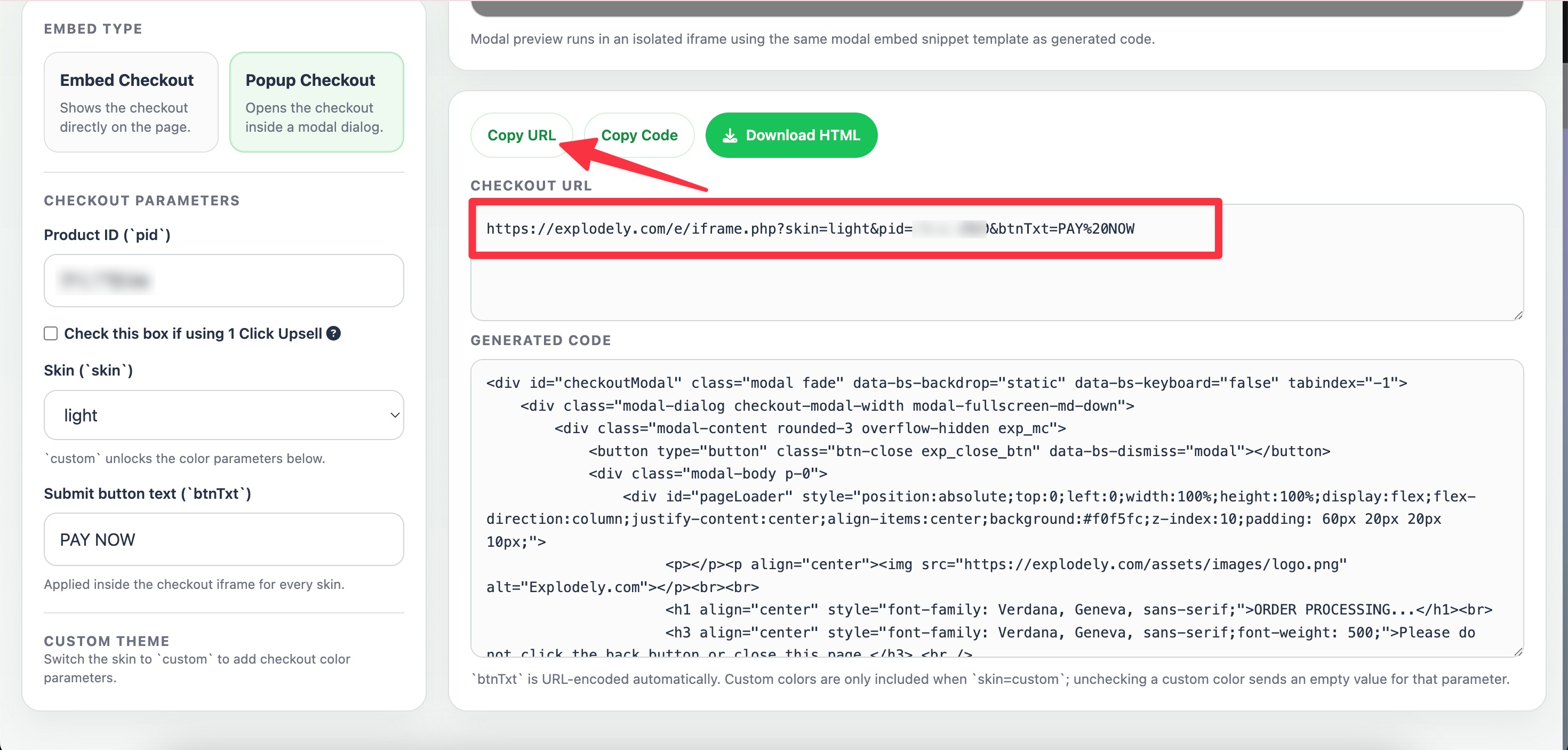
ii) Add this link to the buttons on your sales page.
iii) Save and publish your page.
iv) When users click the button, the customised checkout will appear.
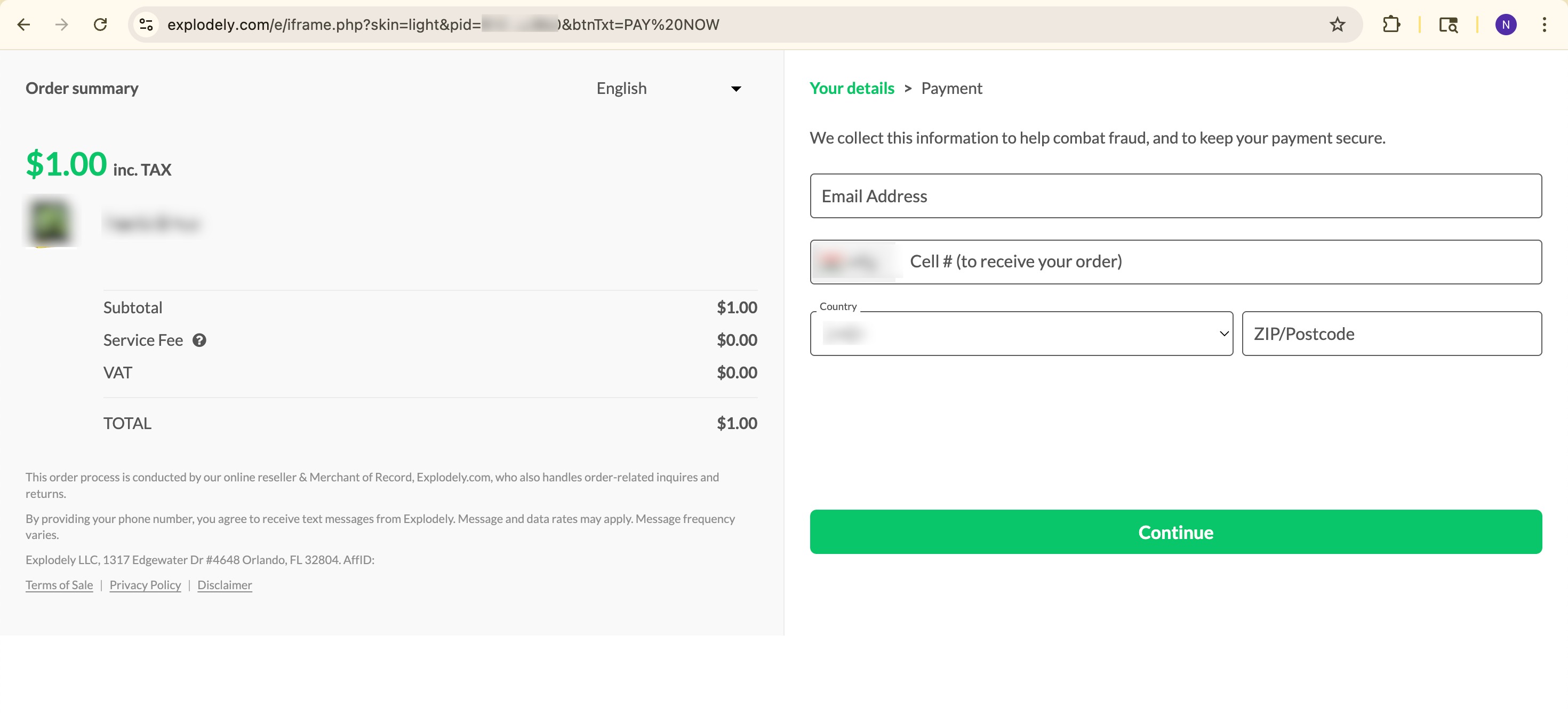
Using the Custom Checkout URL is a simple and reliable way to direct users to the custom checkout page without any technical setup. It’s ideal for quick implementations where embedding or pop-up checkouts are not required. While it redirects users to a separate page, it still provides a smooth and effective checkout experience for completing purchases.
Please contact us if you have any questions or concerns at sellers@explodely.com.